

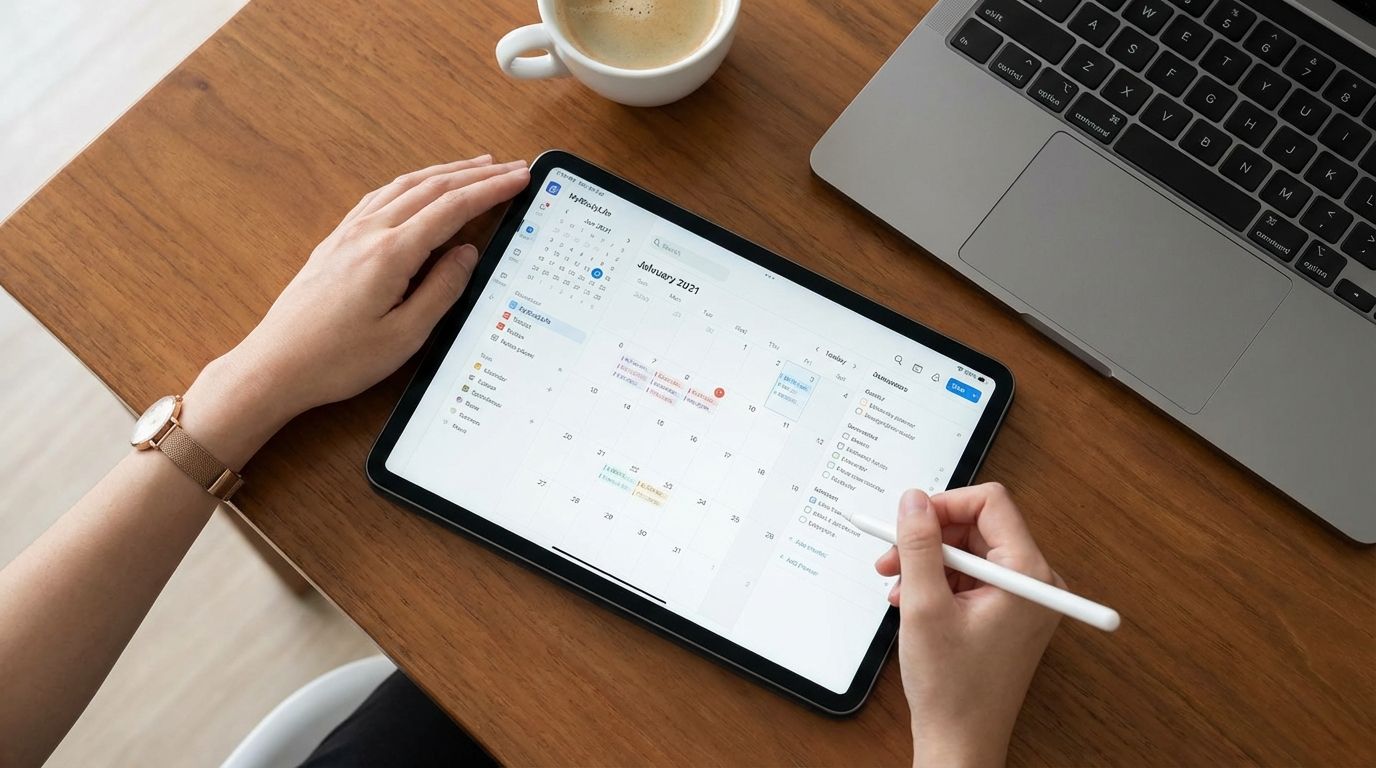
Student planner apps help you capture assignments, track due dates, organize class schedules, and reduce the missed-deadline chaos that hurts academic performance. The best ones make planning fast, visible, and easy enough to maintain through an entire term.
If you want better grades, calmer weeks, and fewer last-minute scrambles, choosing the right planner matters more than downloading the app with the most features. This guide breaks down the five strongest options for students right now, shows where each app fits best, and helps you decide which one matches the way you actually study, plan, and work.
1. MyStudyLife
MyStudyLife earns a top spot because it is built for academic life instead of general productivity. You get tools for timetables, assignments, exams, and progress tracking in a format that feels familiar if your week revolves around classes rather than project boards. That difference matters when you need an app that supports school structure from day one instead of asking you to build your own system from scratch.
If you want a planner that feels ready-made for students, this app gives you that direct fit. You can organize classes, add deadlines, keep upcoming exams visible, and manage a schedule across web and mobile devices. The result is less setup time and faster daily use, which is often the deciding factor between a planner you stick with and one you abandon after the first busy month.
Another strength is how naturally it supports recurring academic routines. School planning is rarely just a list of random tasks. You are dealing with lectures, labs, assignment due dates, exam weeks, and shifting workloads across a semester. MyStudyLife handles that pattern well, making it a strong choice if you want structure, reminders, and a student-first workflow without unnecessary complexity.
The app also appeals to students who want a balance between simplicity and enough planning depth to stay organized under pressure. If you are in middle school, high school, or college and need one place for day-to-day academic planning, MyStudyLife fits that use case better than many general task apps. It is especially useful when your priority is seeing school commitments clearly without spending hours customizing a workspace.
There is also a practical performance benefit here. Students often fail with planning tools when the app creates friction. MyStudyLife reduces that friction by keeping the focus on classes, due dates, and academic routines. When you open the app, you are not sorting through features designed for corporate team workflows. You are looking at tools aimed at helping you stay on top of school.
2. myHomework Student Planner
myHomework Student Planner remains one of the most dependable options for tracking homework, classes, tests, and assignments. It is one of the clearest examples of a purpose-built student planner that stays focused on what most students actually need: deadline tracking, class organization, reminders, and a clean calendar view. If your main problem is forgetting what is due and when, this app solves that problem directly.
The biggest reason students continue to choose myHomework is usability. You do not need to create a custom system, design dashboards, or spend time connecting multiple tools. You enter your classes, log assignments, set dates, and follow the schedule. That straightforward design is valuable when your real goal is staying organized with minimal effort, not managing a complicated productivity stack.
Cost also strengthens its position. Many students want an academic planner that does not turn basic organization into an expensive subscription decision. myHomework offers a free basic option and a low-cost premium plan, which makes it accessible to students who want reminders and syncing without paying for a broader productivity platform they may never fully use. That matters if you are budgeting carefully and still want a capable planning tool.
The app works well for students who think in terms of classes and due dates rather than all-purpose task categories. You can separate assignments by class, track tests, and keep a practical academic view without mixing school items into a broader personal system. That makes it a smart fit if you prefer a dedicated homework planner instead of a general to-do list app.
If your academic life depends on consistency more than customization, myHomework deserves serious attention. Many students do not need advanced databases, artificial intelligence features, or elaborate templates. They need a reliable place to record work, review what is coming up, and respond before deadlines become urgent. myHomework does that well, and that is why it continues to matter.
3. Notion
Notion is the best fit for students who want an all-in-one academic operating system rather than a standard planner. It combines notes, tasks, databases, templates, calendars, and writing tools in one workspace. If you want to manage lecture notes, reading lists, assignment trackers, study plans, and semester goals in the same place, Notion gives you far more flexibility than a traditional student planner app.
That flexibility is the main reason many college students and advanced planners choose it. You can build course dashboards, assignment databases, revision trackers, and project workspaces that reflect how you study. If your school life includes research papers, group projects, internships, clubs, and personal goals, Notion can hold all of that in one organized system instead of splitting it across several disconnected apps.
The tradeoff is setup time. Notion gives you power, but it also asks you to make decisions. You may need to choose a template, create your own structure, and maintain it regularly. If you enjoy customizing workflows, this is a strength. If you need instant simplicity, it can feel like extra work. Your success with Notion depends less on the app itself and more on whether you will keep your system clean and current.
Students who thrive with Notion usually want visibility and control. They want to connect class notes to assignment pages, link study materials to deadlines, and create a workspace that supports planning beyond simple reminders. That makes Notion especially effective for university students managing layered workloads. It can serve as a planner, note hub, writing center, and project manager at the same time.
Another major advantage is student value. Notion offers student-friendly access that makes its premium-level workspace attractive for academic use. If you are willing to invest a bit of setup effort at the beginning of a term, you can end up with a system that handles nearly every academic planning need in one place. For students who want customization and range, Notion is one of the strongest choices available.
4. Todoist
Todoist is the strongest option for students who need speed, clarity, and daily follow-through. It is not a school-specific planner, but it performs extremely well as a task manager for assignments, study sessions, project deadlines, and recurring responsibilities. If you miss deadlines because your planning tool feels too cluttered or too demanding, Todoist can improve your execution simply by being easier to use every day.
The app is built around fast task capture and reliable organization. You can add assignments quickly, set dates, create recurring reminders, organize tasks by course or priority, and review what needs attention today. That low-friction experience is a serious competitive advantage. Students often fail to stay organized because the act of planning feels like another task. Todoist reduces that burden and keeps the focus on action.
It also works well when your academic life overlaps with work, family responsibilities, athletics, or extracurricular commitments. Since Todoist is not limited to school planning, you can track all of your responsibilities in one system without losing visibility. That is useful if you want one trusted task app for class deadlines, job shifts, meeting reminders, and personal errands rather than juggling multiple tools.
Todoist is also a good match if you already know that you do not want a heavy customization process. Notion can be stronger for students who want a full academic workspace, but Todoist wins when your goal is execution. You open the app, see your tasks, and move. That direct rhythm is often what keeps students consistent, especially during demanding periods when attention is limited and planning discipline slips.
If your biggest academic risk is forgetting rather than overthinking, Todoist has a strong edge. It supports recurring deadlines, filters, priorities, and dependable reminders in a polished format. For students who want a planner that behaves like a sharp to-do engine instead of a school-specific dashboard, Todoist delivers real value.
5. School Assistant – Planner
School Assistant – Planner stands out because it offers a school-focused experience with an unusually strong free model. For students who use Apple devices and want a planner centered on assignments, tests, schedules, and reminders, this app deserves far more attention than it usually gets. It combines practical academic planning features with a simple student-friendly structure that removes cost barriers.
One of its most appealing strengths is clarity. The app does not ask you to adapt a business productivity tool for school use. You get features that match student needs directly, including homework tracking, class schedules, test planning, reminders, and widget support. That keeps your daily planning process short, which is important when consistency matters more than novelty.
Its free positioning also gives it a unique advantage. Students often want a planner that is useful immediately without requiring a premium upgrade to unlock basic academic planning. School Assistant answers that need well. If you want a dedicated student planner and do not want to commit to another subscription, this app becomes a very practical option, especially within the Apple device ecosystem.
The app also makes sense for students who value quick visual access. Widgets, schedule views, and straightforward assignment management help you review what matters without opening a complex dashboard. That matters because the best planner app is often the one you check several times a day. Visibility drives follow-through, and School Assistant supports that behavior effectively.
If you use an iPhone, iPad, Mac, or Apple Watch and want a planner built around academic tasks rather than broader productivity goals, School Assistant is easy to justify. It gives you strong school-specific functionality, a clean planning experience, and excellent value. For many students, that combination is enough to make it a top-tier choice.
How You Should Choose The Right Student Planner App
The right student planner app depends on how you naturally work, not on which app has the longest feature list. If you think in classes, assignments, and exam dates, a purpose-built academic planner like MyStudyLife or myHomework will usually serve you better. If you want a wider system that includes notes, projects, and personal planning, Notion or Todoist may fit your routine more effectively.
Start by identifying the planning failure that hurts your academic performance most. Some students forget deadlines. Some record tasks but never review them. Some build complicated systems and stop using them two weeks later. Your app should fix the actual breakdown. If your issue is visibility, choose a planner with strong widgets and simple daily views. If your issue is system overload, avoid tools that demand too much setup.
You should also pay attention to maintenance cost, not just price. A free app that takes too much effort can cost you more in missed work than a low-cost app that keeps you consistent. The best planner is the one you can update in seconds, trust under pressure, and rely on through midterms, projects, and exam weeks. Academic success depends on repeatable use, not feature inflation.
Device support matters too. If you move between a phone, tablet, and laptop, syncing should be smooth and dependable. If you use Apple devices heavily, School Assistant may feel convenient. If you want broad cross-device access with a more general planning style, Todoist and Notion become stronger candidates. Match the app to the way you already move through your day.
The final filter is behavior. If you know you work best with simple lists, do not force yourself into a deeply customizable workspace. If you know you need one place for notes, reading trackers, and assignment planning, a lightweight task app may feel too limited. Choosing well means selecting the app that supports your habits rather than fighting them.
What Features Matter Most In A Student Planner App?
The most important features in a student planner app are assignment tracking, due date reminders, class schedule management, recurring tasks, and cross-device sync. These features solve the practical problems that affect grades: forgetting work, missing deadlines, losing visibility, and failing to plan study time early enough. Fancy extras matter far less if the basics are weak.
Quick entry is one of the most underrated features. If it takes too many taps to log homework or update a deadline, you will postpone the task and eventually stop recording items accurately. Good planner apps reduce this friction. You should be able to enter an assignment, assign it to a class or project, set the due date, and move on without turning planning into another burden.
Visibility also matters more than students often realize. Calendar views, today views, week views, widgets, and alerts all help keep academic obligations in front of you. A planner only works when it stays present in your daily routine. If deadlines disappear inside buried menus, the app becomes a passive archive instead of an active academic tool.
Recurring schedule support is another important factor. Classes, labs, study blocks, and repeating commitments should not need manual rebuilding every week. School-specific apps tend to perform better here because they are designed around timetables and repeating academic structures. That can save time and reduce errors through an entire term.
You should also look for enough flexibility to match your study style. Some students need a simple homework tracker. Others need notes, project planning, and personal task management together. The right feature set is the one that supports your actual workload cleanly. Anything beyond that is optional.
Which Student Planner App Is Best For Different Types Of Students?
If you want the shortest path to academic organization, MyStudyLife is one of the strongest all-around choices. It suits students who want a student-first planner with timetable support, assignment management, and exam tracking in one place. You get structure without a long setup process, which makes it a strong fit for students who need order fast.
If you mainly need homework tracking and deadline reminders, myHomework is a better fit. It is especially useful for students who want a clean academic planner without the extra flexibility of a broader productivity tool. You enter coursework, organize by class, and stay focused on due dates. That simple rhythm supports steady academic follow-through.
If you want an all-in-one digital study hub, Notion is the strongest option. It fits students who want to combine notes, research, class pages, task tracking, and planning in one workspace. This is especially effective for college students with layered workloads, long-form assignments, and a preference for building custom systems around their study process.
If speed and consistency matter most, Todoist is often the better call. It works well for students who need fast reminders, daily task visibility, and a planner that stays light under pressure. It is also a strong choice if your responsibilities stretch beyond school and you want one task manager for everything.
If you use Apple devices and want a free, student-specific planner, School Assistant deserves serious consideration. It is a practical match for students who want school planning features, simple navigation, and good visual access without subscription pressure. Its value becomes even stronger when cost sensitivity is part of the decision.
What Is The Best Student Planner App For Academic Success?
- Best Overall: MyStudyLife
- Best For Homework Tracking: myHomework Student Planner
- Best Custom Workspace: Notion
- Best For Simple Task Management: Todoist
- Best Free Apple Option: School Assistant – Planner
Choose The App You Will Actually Use
The best student planner app is not the one with the most tools. It is the one that fits your academic routine, reduces friction, and stays useful when your schedule gets busy. If you want a school-first planner, MyStudyLife and myHomework lead the field. If you want customization and a broader academic workspace, Notion stands out. If you want fast daily execution, Todoist is a smart pick. If you want a free Apple-focused school planner, School Assistant gives you real value. Make the decision based on how you capture work, review deadlines, and manage your week, then commit to using that app every day. Consistency is what turns organization into academic results.
References
- https://mystudylife.com/special-offers/
- https://apps.apple.com/us/app/myhomework-student-planner/id303490844
- https://myhomeworkapp.com/pricing
- https://apps.apple.com/us/app/notion-notes-tasks-ai/id1232780281
- https://www.notion.so/Back-to-school-wiki-2a3a89a86bc84ecf8bc2582c8fef2f97
- https://apps.apple.com/us/app/todoist-to-do-list-calendar/id572688855
- https://apps.apple.com/us/app/school-assistant-planner/id1465687472
- https://www.reddit.com/r/ProductivityApps/comments/1sd0fo0/kept_forgetting_assignments_so_i_built_this_app/

