

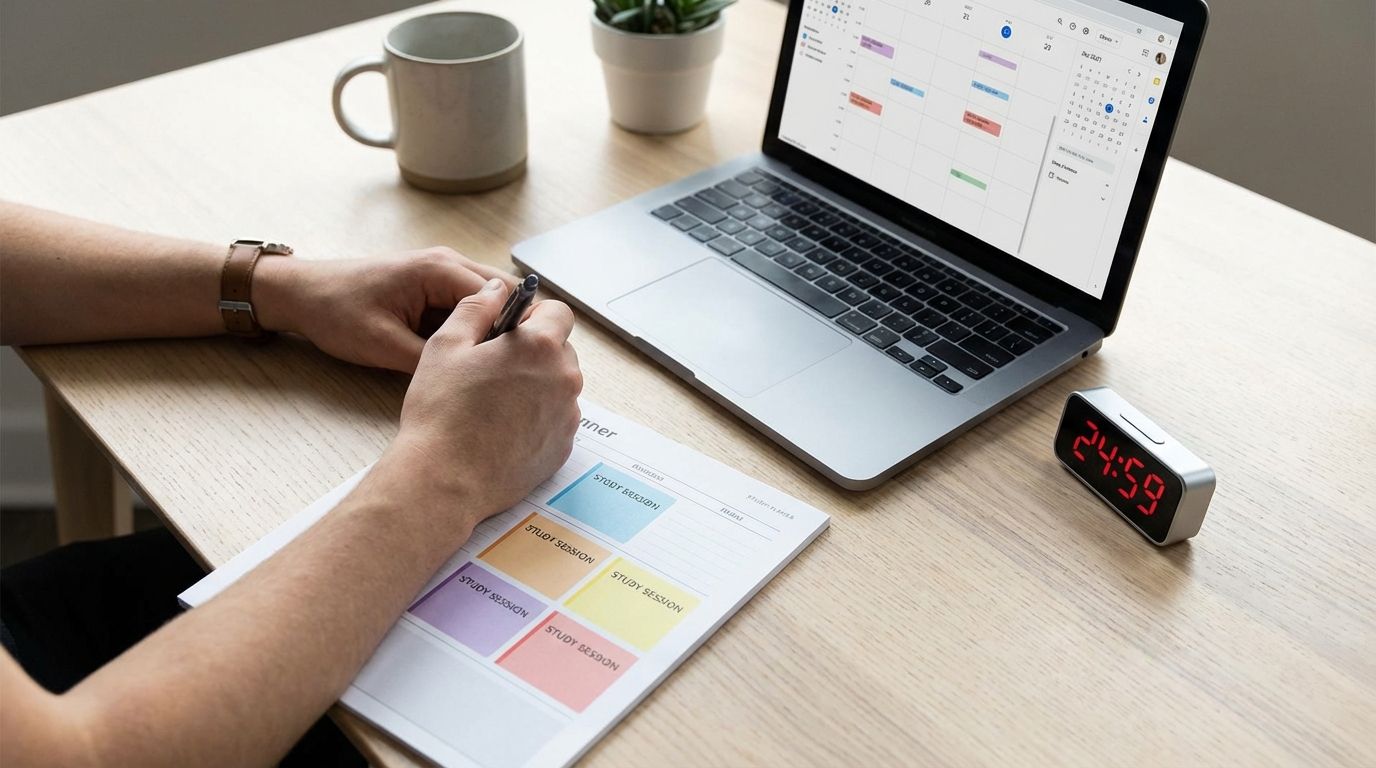
Time blocking works when you run your day from a calendar plan, not a wish list, assigning work to specific blocks and updating the plan as reality changes. You stop negotiating with yourself all day and start executing a schedule that protects study time, sleep, and recovery.
This guide shows how to set up time blocking the way high-performing students and busy professionals actually use it: anchored by immovable commitments, supported by buffers, and adjusted fast when the day breaks. You’ll learn how to start without overplanning, how to pick the right block lengths, how to recover when you fall behind, and how to combine time blocking with timeboxing and Pomodoro for better follow-through.
How Do You Start Time Blocking As A Student Without Overplanning?
Start with a calendar, not a giant to-do list. Put your fixed commitments in place first, class times, commute, meals, practice, labs, work shifts, sleep. These become your “anchors,” and they create the real shape of your day before you decide where studying fits. Once the anchors exist, the planning becomes practical because you’re allocating what’s left, not fantasizing about an empty day.
Keep the first week intentionally light. Block 1–2 study sessions per day, not six. Students burn out on time blocking when they schedule every spare minute, then miss two blocks, then abandon the system. A realistic starting point is one deep study block for your hardest course, one shorter block for review or admin, and one buffer block to prevent the schedule from collapsing when anything runs long.
Write blocks as deliverables, not vague intentions. “Study chemistry” is too broad, and it makes it easy to drift. “Chemistry: finish problem set questions 1–8, check answers, list the 3 error patterns” creates a finish line. When the block ends, you either hit the finish line or you capture what remains and place it into a future block.
Keep planning time capped. Once the habit is established, a daily plan can be created quickly, often in about 10–15 minutes, done the night before or early morning. That constraint matters because planning can become its own form of procrastination. If planning expands, shrink the plan: anchors, two study blocks, one buffer, done.
What’s The Difference Between Time Blocking, Timeboxing, And Pomodoro?
Time blocking is the calendar layer: you decide what happens when. It answers, “Where does this task live in the day?” and it prevents the most common student failure mode, letting urgent noise consume the hours meant for studying. A time-blocked day also makes tradeoffs visible, because every new commitment has to push something else out of the calendar.
Timeboxing is a boundary layer: you cap how long you’ll work on something. It answers, “How long is this allowed to take?” and it stops perfectionism, rabbit holes, and rewriting loops from swallowing an entire evening. In personal productivity, a timebox works as a maximum time limit with a clear stop point, which forces prioritization and keeps work from expanding to fill all available time.
Pomodoro is an execution layer: you work in short focus sprints with breaks. It answers, “How do I start and keep going right now?” Many students use Pomodoro inside a block when initiation is the real problem. A two-hour “History reading + notes” block can hold four Pomodoros, with a clear rhythm that reduces decision fatigue.
Use the three methods together when you want reliable output. Time blocks your day so studying has protected space. Timebox tasks that expand, research, outlining, polishing, reorganizing notes. Run Pomodoro when you’re fighting, start resistance, distraction, or mental fatigue. The tools are complementary, and the mix changes by course load and season.
How Long Should A Study Time Block Be For Real Learning?
Most students perform well with 45–90 minute blocks for deep work, reading with note-making, problem sets, essay drafting, lab write-ups, and practice questions. That range is long enough to get past the warm-up phase and build momentum, and it’s short enough to keep attention from sliding into low-quality grinding. When a block is too long, attention breaks, and you start “being busy” instead of learning.
Short blocks still matter, and they often decide whether the week stays under control. Use 15–30 minute blocks for admin, quick review, flashcards, planning, and cleanup actions that prevent future chaos. These blocks are where you protect your deep blocks by handling the small stuff on purpose instead of letting it ambush you all day.
Two- to three-hour blocks belong in a narrow category. Use them when the environment is stable and the deliverable is clearly defined, a timed practice exam section, a long lab session, a major writing sprint with a locked outline. If the deliverable is not defined, long blocks invite wandering, and the extra time does not convert into extra learning.
Lock in a consistent pattern for the semester, then adjust during exam periods. A normal week might rely on one deep block per course per week, with shorter maintenance blocks in between. Exam weeks shift the ratio: more deep blocks, more practice, more review cycles. The structure stays the same; the content inside the blocks becomes more test-focused.
What Should You Do When You Fall Behind Your Time-Block Schedule?
When a block breaks, avoid the most damaging move: throwing away the rest of the day. A broken plan still has value, because it shows what mattered enough to schedule. The correct response is a fast re-plan for the remaining hours based on the new reality, not the earlier fantasy. A good schedule behaves like a living document: it gets edited, not judged.
Use a two-minute recovery routine. Stop and capture what’s still open in one place so it stops bouncing in your head. Pick one must-do item tied to a deadline or grade impact, then one supporting task that reduces tomorrow’s stress. Re-block the day around those choices, then continue. This keeps you executing instead of spiraling into guilt-driven multitasking.
Protect your plan with “shock absorbers.” Put a daily buffer block into the calendar, and treat it as real. When work runs long, borrow from the buffer instead of stealing from sleep or skipping meals. Buffer blocks can also absorb transit delays, unexpected emails from instructors, group project coordination, and the kind of small tasks that look harmless until they shred your schedule.
Build a weekly catch-up block. Students with heavy workloads need a defined place for backlog. A Saturday morning catch-up block or a Sunday afternoon reset prevents the common cycle of falling behind, then losing a full week trying to catch up. The catch-up block also reduces the urge to overpack weekdays, because you know where leftovers go.
How Do You Time Block When You Don’t Know How Long Tasks Will Take?
Uncertain duration is normal, and it becomes manageable once you stop demanding perfect estimates. Start with a range estimate and a deliverable. A reading block might be “60 minutes: finish sections 1–3, write 8 bullet notes, create 5 flashcards,” not “finish the chapter.” A problem set block might be “75 minutes: solve questions 1–5, mark any stuck points, identify what to ask in office hours.” The work becomes measurable even when the total task size is unknown.
Use timeboxing on uncertain tasks to prevent them from expanding. Research, rewriting, reorganizing notes, and “getting ready to study” are notorious for consuming unlimited time if they have no stop point. A 45-minute timebox forces prioritization: extract sources, outline, draft, stop. If more work remains, it earns its own future block instead of silently stealing the rest of the evening.
Calibrate estimates with light tracking. For one week, note actual durations for five recurring tasks: problem sets, reading, flashcards, writing, practice tests. Keep it simple, a number in your notes app or on the paper planner. After one week, you’ll schedule with fewer surprises because your estimates are grounded in your own data, not generic advice.
Plan transitions explicitly when time disappears between tasks. Setup time, walking to the library, opening the right tabs, finding the rubric, switching from math to writing, these transitions are real. Students who schedule in 15-minute increments often do it for this reason: the day has hidden friction. When friction is acknowledged in the plan, the plan becomes workable.
Is Time Blocking Good For ADHD, Or Does It Make Stress Worse?
Time blocking can reduce stress when it creates a visible default plan and removes constant decision-making. It becomes stressful when it’s treated as a rigid promise rather than a plan that gets updated. The goal is not perfect adherence, it’s consistent execution of the most important work in the hours available. A flexible schedule is more useful than an ideal schedule you can’t follow.
Make the blocks ADHD-friendly by shrinking the unit of commitment. Use shorter blocks, clear start cues, and explicit transition time. A 30-minute “start block” can unlock momentum that a two-hour block fails to trigger. Once momentum exists, you can extend into a longer block or chain blocks with a short break between them.
Add a visible “if behind” rule to reduce emotional friction. Write it on the plan: “If a block breaks, re-block the next 2 hours.” This prevents the all-or-nothing reaction that kills the day. When re-planning becomes routine, the schedule stops feeling like a test you fail and starts acting like a tool you use.
Use execution supports inside the block. Pomodoro intervals, a timer, body-doubling, and a distraction list you park thoughts on can keep you inside the work when attention is unstable. The calendar gives you the “what and when,” and the execution support gives you the “how to stay on task.” You don’t need a perfect brain day to run a decent plan.
What’s The Best Time-Blocking Planner Or App Setup For Students?
The best setup is the one you open every day without resistance. A calendar you trust is the core, paper or digital, and a capture list is the companion. The calendar holds your commitments and study blocks. The capture list holds tasks, worries, small admin items, and ideas you don’t want to forget. This pairing keeps you from interrupting a deep block to chase a random thought.
Paper works when you want speed and fewer distractions. A daily grid with a notes margin lets you block the day, then capture tasks without switching apps. Many students like printable daily planners modeled after time-block layouts because the page stays visible while working. Paper also makes re-planning fast: cross out, redraw, continue.
Digital works when you need portability and reminders. Google Calendar or Apple Calendar gives you flexible blocks, easy edits, and a shareable view when coordinating group work. A notes app handles capture, and a simple timer handles execution. The main rule is to avoid app-hopping during the block, because tool switching becomes an excuse to delay work.
Build a weekly reset slot into the tool, not just the intention. A Sunday planning block lets you place exams, deadlines, study sessions, and personal commitments into the week before it gets chaotic. Daily planning then becomes a short adjustment, not a full redesign. When the week is pre-shaped, you spend less time reacting and more time learning.
How Do You Start Time Blocking As A Student?
- Block anchors first: sleep, class, commute, meals
- Add 1–2 study blocks, write deliverables
- Schedule 15–30 minutes of buffer
- Re-block the day when plans break
Build A Week That You Can Actually Execute
Time blocking becomes powerful when you treat it as a daily operating system: anchors keep life stable, blocks protect learning, buffers keep the plan alive when reality hits. You’ll get better results by scheduling fewer, higher-quality blocks with clear deliverables than by overpacking your calendar and hoping motivation fills the gaps. Combine time blocking for structure, timeboxing for boundaries, and Pomodoro for execution, and you’ll stop losing hours to indecision and drift. Keep your planning time short, keep your re-planning fast, and keep your sleep non-negotiable because tired studying produces poor recall and weak performance. Put the system in place for two weeks, measure what breaks, then adjust block length, buffers, and task definitions until the schedule matches your real life.
References
- Cal Newport, “Focus Week: Take Control of Your Time”
- Recall Academy, “Student’s Guide to Time-Blocking”
- Wikipedia, “Timeboxing”
- Pomobox, “Pomodoro vs Timeboxing: Which is Right for You?”
- Sparkl, “Timeboxing vs Pomodoro: Pick Your Tool for AP Success”
- Goals and Progress, “Timeboxing vs Time Blocking vs Pomodoro”
- Reddit, r/adhdwomen discussion: “Does the pomodoro technique work for you?”
- Reddit, r/adhdwomen discussion: time management system for ADHD and time blindness
- Reddit, r/ADHD discussion: productivity hacks that worked
- Reddit, r/adhdwomen discussion: task duration estimation and productivity advice
- Time Block Planner (Cal Newport)
- Reddit, r/productivity: printable time-block planners inspired by Cal Newport.

